Tablet Troubles? DIY Solutions You Can Try Right Now
Tablet Troubles? DIY Solutions You Can Try Right Now
Common Tablet Problems and Easy Fixes
1. Tablet Not Turning On
One of the most common issues tablet users face is a tablet that won't turn on. There are a few possible explanations for this, 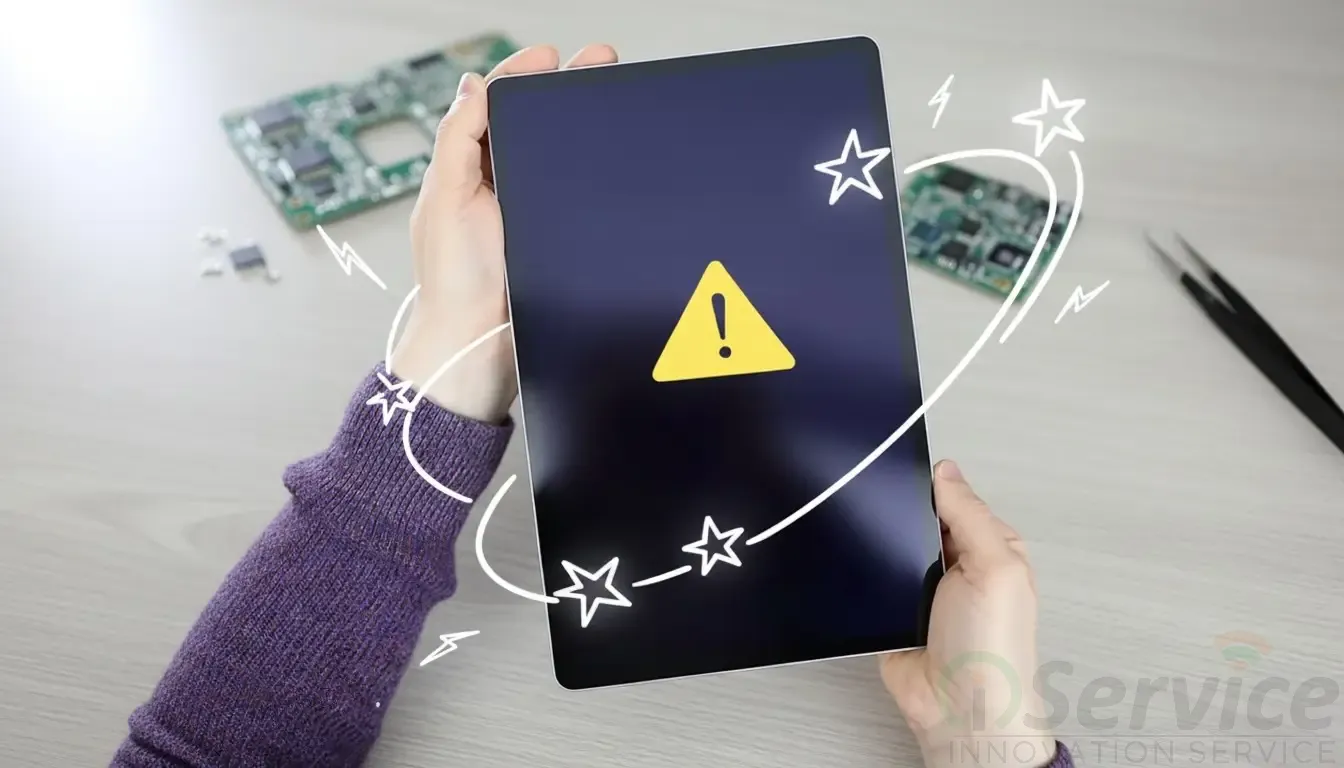 despite the fact that it can be annoying:
Potential Causes: Depleted batteries, broken chargers or charging cables, and issues with internal power integrated circuits
How to Continue:
1. Try a different charging cable or adapter to rule out charger issues.
2. Give the tablet at least 30 to 60 minutes to charge before attempting to turn it on.
3. Hold down the power button for 15 to 20 seconds to force a restart.
2. Touch Screen Not Working or Slowly Responding
Your tablet may become difficult to use if its touch screen is broken. At times, just part of the screen stops working, while at other times it does not respond at all.
Potential Causes:
• A cracked or broken touch screen;
• Software bugs
How to Be:
1. Restart the tablet to solve minor software problems.
2. Remove any covers or screen protectors that might interfere with touch sensitivity.
3. Display Issues
Other common complaints are those of display issues: flickering, vertical or horizontal lines, a black screen, and even color distortion.
Possible causes: Include LCD damage and loose display connectors.
How to Continue:
When powering on, check to see if your tablet vibrates or makes noise. This may mean that the screen is damaged even though the device is on.
Try hooking the tablet up to a charger and see if the screen turns on.
Pro Tip: Avoid pressing or bending the screen to avoid exacerbating LCD damage.
4. Battery Drains Quickly or Won’t Charge
Battery fast drain or charging issues can drastically reduce your tablet's usefulness.
Potential Causes:
An old or worn-out battery
Issues with charging ports How to Go Forward:
1. Use a high-quality or original charger to ensure steady charging.
2. Clean the charging port by removing any dust or debris that might be inside.
3. Replace battery with a new battery.
5. Wi-Fi or Network Connectivity Issues
Tablet users have problems with stable network signals and Wi-Fi connectivity.
Potential Causes:
• Software bugs that hinder connectivity
• Antenna hardware issues
What to do:
1. Restart the tablet and Wi-Fi connectivity.
2. Restore the initial state of network configurations.
3. If the signal is still weak or inconsistent, there may be a problem with the internal antenna.
Pro Tip: Make sure the software on your tablet is up to date because manufacturers regularly release fixes for network-related issues.
Additional Tablet Tips
• To prevent damaging your tablet physically, you should always purchase a strong casing and screen protector.
• If you want your tablet computer to function at its optimal level, you have to be sure it is updated periodically whenever patches and fixes are available.
• Care must be taken not to subject the tablet computer to too much heat or too cold temperatures, since this may damage the battery and some internal components.
• Make sure to clean your tablet's cache regularly and remove any applications you no longer use and any software updates you may still need.
• If you think that there is some problem with your tablet’s hardware or if you are facing some failures, then you should visit a service center for a repair.
If your tablet is not charging correctly or is experiencing connectivity problems, try to
Frequently Asked Questions (FAQs)
Q1: I charged the battery in the tablet, but the device doesn't turn on. What should I do?
A: First, try using a different charger and cable. If that doesn't work, try doing a force restart. If it still won't turn on, you may need to replace or repair the power IC.
Q2: Some of the touch features on my tablet display are not working. Can this be fixed?
A: Yes! If your touchscreen is only partially functional, you need to replace the touch panel.
Q3: I have plenty of free space on my tablet, but it's running very slowly. What can I do?
A: If your tablet is slow despite having available memory, consider doing a factory data reset. Remember to back up your data before you reset. To keep your device running well, also update your apps and operating system.
Blog Post by Rajni Vishwakarma


