Mobile Repairing Basics – DC Power Supply & Multimeter Guide
Mobile Repairing Basics – DC Power Supply & Multimeter Guide
Mobile Repairing Basics – DC Power Supply & Multimeter Guide
Aaj kal mobile phone har ghar ki basic need ban chuka hai. Jab phone achanak dead ho jaata hai, to seedha technician ke paas aata hai. Isliye mobile repairing aur troubleshooting ka scope har saal tez badh raha hai.
Problem ye hai ki zyada tar beginners bina basics samjhe phone open kar dete hain. Kabhi battery badalte hain, kabhi IC, tukke lagate hain — aur end me phone aur zyada damage ho jaata hai.
Agar aap real technician banna chahte ho, to DC Power Supply aur Multimeter do aise tools hain jo aapki poori thinking badal denge. Ye dono tools sirf machines nahi, balki technician ki aankh aur dimaag hote hain.
Phone Dead Hai – Sabse Pehle Kya Karein?
Sabse pehle phone ko physically check karo:
Phone gira tha?
Paani gaya tha?
Koi bend, crack ya impact mark hai?
Agar phone physically theek lag raha hai, to next step hota hai:
Battery fault hai ya motherboard fault – ye identify karna
Iske liye Multimeter aur DC Power Supply dono saath use hote hain.
Step 1 – Battery Voltage Check (Multimeter) 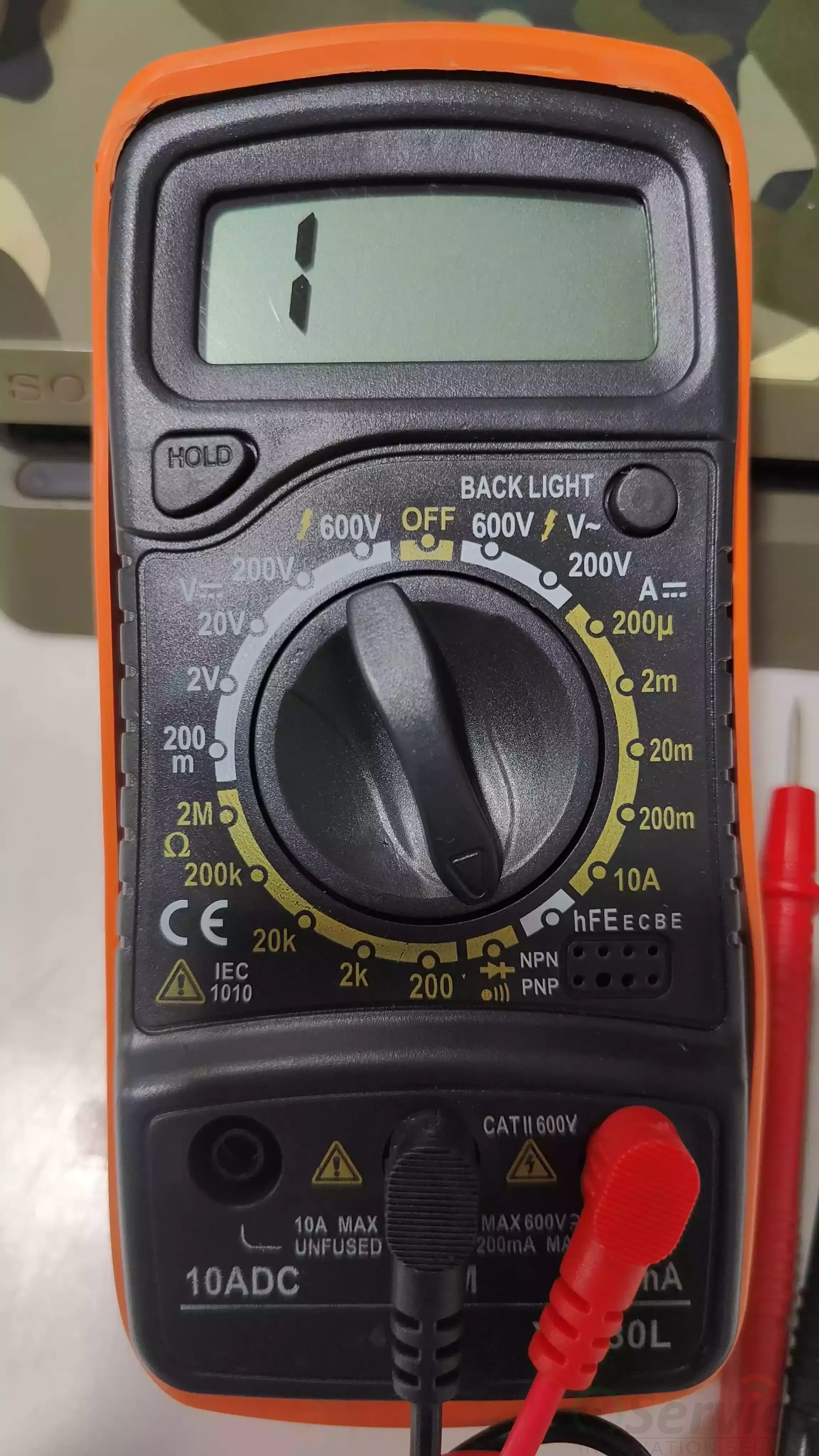
Multimeter ko DC Voltage mode me set karo.
Red probe → Battery +
Black probe → Battery –
Voltage ka matlab:
Voltage
Meaning
3.7V ya zyada
Battery normal
3.0V – 3.7V
Battery low (boost needed)
0V ya bahut kam
Battery dead / faulty
Note: 3.0V se neeche wali battery phone me normally charge nahi hoti. Pehle boost karna zaroori hota hai.
Battery Boost – DC Power Supply Se
Single Cell Battery (Most Android Phones)
DC Power Supply settings:
Voltage: 4.20V
Current: 3.00A
Agar battery me dual connector hai par cell single hai, to bhi yahi settings rahengi.
Ek connector motherboard me lagao aur doosra DC supply se.
Boost Time:
Normal → 1–1.5 min
Deep discharge → 2–2.5 min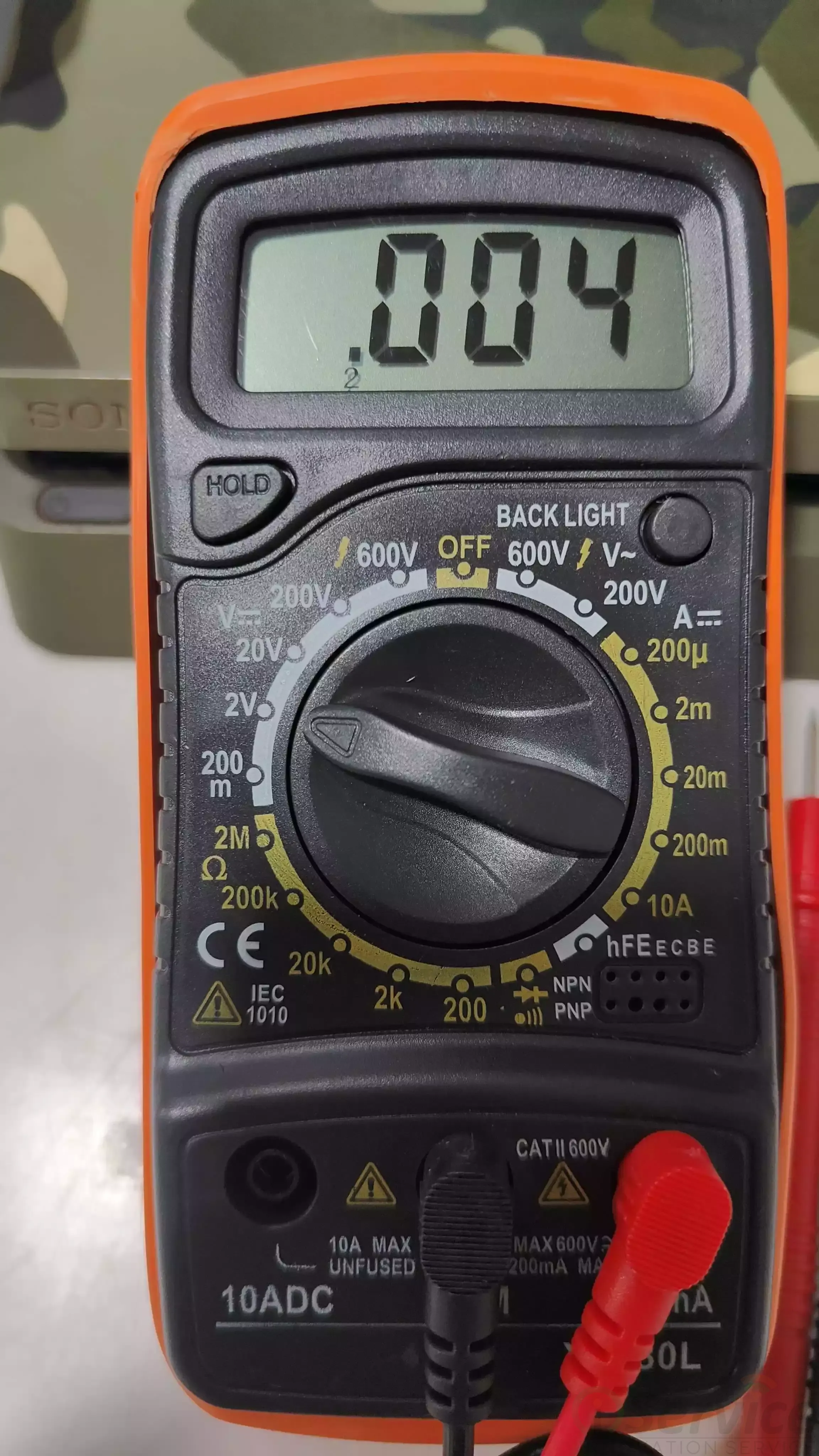
Boost ke dauran multimeter se voltage check karte raho.
Dual Cell Battery (Premium Phones)
Settings:
Voltage: 7.20V
Current: 5.00A
Ek connector motherboard me aur doosra DC Power Supply se connect karo.
Step 2 – DC Power Supply Se Phone Behavior Check
Phone Type
Voltage
Current
Single Battery
4.20V
3A
Dual Battery
7.20V
5A
Connection:
Black wire → Ground
Red wire → Battery +
Power button dabao aur current observe karo:
Reading
Meaning
0.00A
Phone power hi nahi le raha
Heavy spike
Full short / heavy fault
Aata phir gir jaata
Power sequence problem
Step 3 – Battery Confirm (Multimeter) 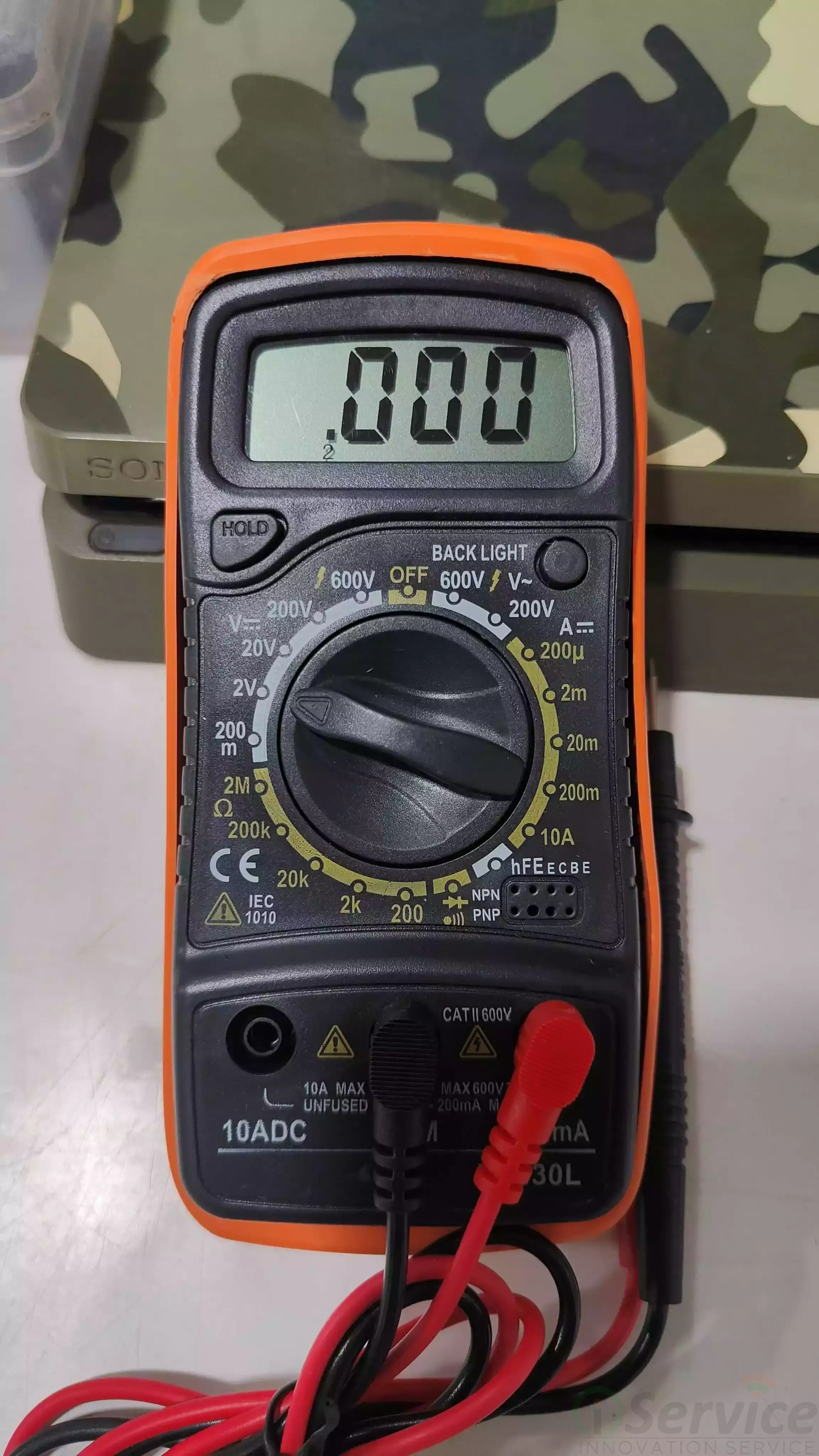
Voltage 0V → Battery faulty
Voltage < 3.0V → Deep discharge
Voltage normal → Motherboard problem
Common Problems
DC supply lagate hi current spike → Full short
Power button dabane par bhi current zero → ON line missing / button line cut
Har model ka normal current alag hota hai → Observe karna zaroori
4.2V se upar kabhi mat jao
Multimeter modes:
DC Voltage
Continuity (Beep)
Resistance
Half Short vs Full Short
Half Short
Phone thoda current leta hai par ON nahi hota
Zyada tar water damage, fall ya small line short se hota hai
Fuse, diode, coil aur lines multimeter + schematic se check karo
Full Short
Current turant full ho jaata hai
Phone bina button dabaye power kheenchta hai
Mostly CPU, eMMC ya Power IC faulty hota hai
Professional Diagnosis
CPU remove karo
Short chala gaya → CPU reball 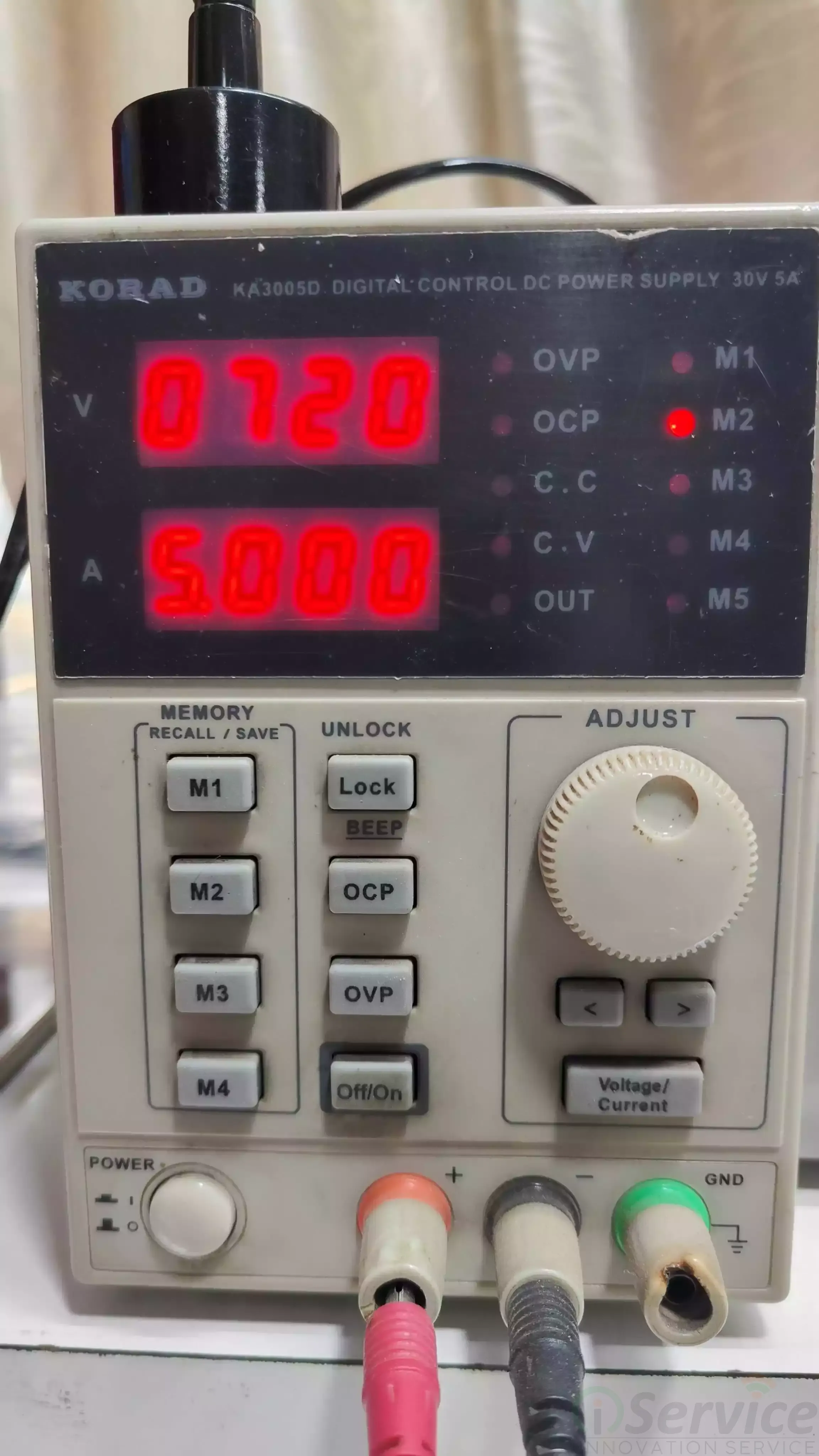
eMMC remove karo
Short clear → CPU + eMMC reball
Agar ab bhi short rahe → Power IC faulty
Sabke baad bhi short → Internal layer damage
Extra Tip – Rosin Flux
Rosin flux short identify karne me madad karta hai.
Jahan short hota hai wahan heat ya smoke pehle dikhta hai.
DC Power Supply – Simple Language Me
Ye battery ka smart version hai jisme:
Voltage control
Current limit
Short protection hota hai
Use hota hai:
Dead phone test
Short circuit find
Power consumption
Battery vs motherboard fault identify
Final Words
Hum technician hain — sirf parts changer nahi.
DC Power Supply + Multimeter = Real Troubleshooting
Practice se clarity aati hai
Pehle safe settings, phir advanced
Basics first priority
Don’t skip basics.
Blog Post by Rehan


